Field Level Encryption
Overview
Field Level Encryption stores chosen journey fields in encrypted form in the database, using AES-256. Values are encrypted as they are saved and decrypted as they are read, so journeys, back office, APIs and integrations behave exactly as before — no change to your configuration, rules or integrations, and no measurable change to response times.
You choose which fields to encrypt, flow by flow and page by page, from the Admin Portal. Use it for identifiers such as PAN, Aadhaar, account or customer numbers, for confidential business data, and wherever a compliance requirement asks that database-level access should not expose readable customer data.
What you can encrypt
Any field captured on a page in a mainflow or subflow, plus user initial input fields and fields on back office custom tabs.
Where the field is captured | Stored in | Available on |
|---|---|---|
Mainflow page | merchantdata | Mainflow |
Subflow page | submerchantdata | Subflow |
User initial input | merchant | Mainflow only |
Back office custom tab | custommerchantdata | Both |
Text values and lists of text values are supported, one level of nesting deep. Uploaded documents and images are not covered by this feature and are protected separately.
Configure the fields
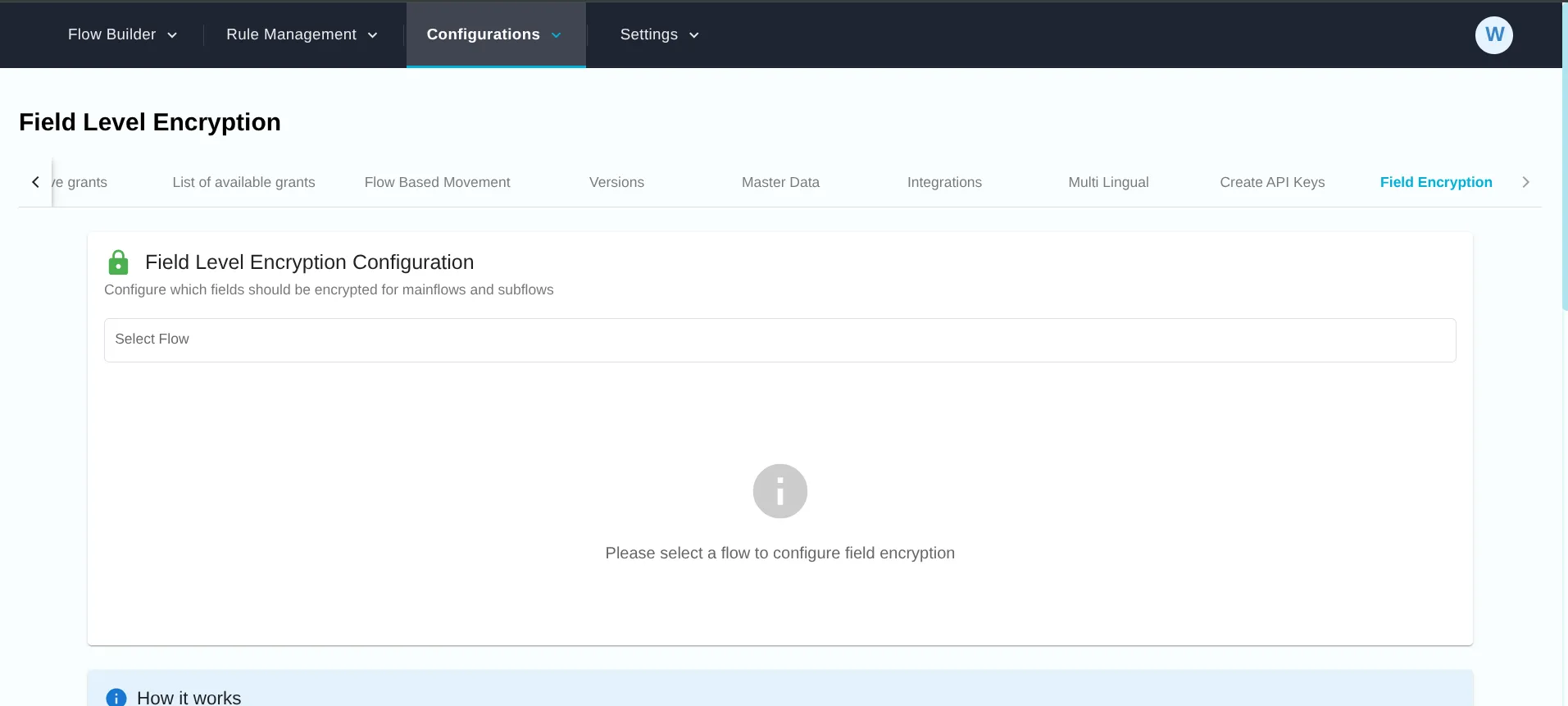
Go to Admin Portal → Configurations → Grants & Config → Field Encryption. Encryption must first be switched on for your environment by Signzy; the encryption key is held per environment and is never shared or displayed.
- Select the mainflow or subflow. Flows that already carry a configuration are marked with a lock icon.
- Add one row per field: choose the page, then the field on it. For a back office custom tab, enter the field name.
- Save. The rows on screen are the complete list for that flow, so removing a row and saving takes that field out of encryption.
- Clear All removes the whole configuration for the selected flow, after a confirmation.
Saved changes apply to data saved from that point onward, within about a minute.
How it behaves
- It applies going forward. Encryption starts at the next save. Data already captured stays as it is until those fields are saved again, so applications in progress carry a mix until they move on.
- Removing a field does not reverse it. Values already encrypted stay encrypted and continue to display correctly everywhere. Only new saves for that field go in unencrypted.
- Journeys are unaffected. Pages, rules, e-sign, back office screens, APIs and integrations read and write the same values as before, for every authorised user.
Before you enable
- Search on an encrypted field is exact-match only. A full value still finds the record; partial or "starts with" search on that field will not.
- Reports and search indexes hold readable values. Restrict access to MIS and reporting separately — this feature protects the onboarding database.
- Encrypted data cannot be read without the environment's key. Raise a request with Signzy before any environment migration or key change.
- Agree the field list before go-live. A field added later protects only what is captured after that point.
Behavior for Live Flows
Field Level Encryption works seamlessly even for already live flows, with the following behavior:
- Encryption starts from the day the configuration is saved
- Existing data before that date remains unchanged
- Removing encryption stops encryption only for new data
Important Notes
Existing Data
- Existing (old) data is NOT automatically encrypted
- Only data saved after configuration is encrypted
- To encrypt historical data, those records must be updated after enabling encryption
Removing Fields from Encryption
- Removing a field from configuration does not decrypt existing encrypted data
- Previously encrypted values remain encrypted in the database
- Decryption will still work for old encrypted data using stored metadata
- New data for removed fields will be saved in plain text.
Transparency & Performance
- Encryption is fully transparent to application logic
- APIs, rules, workflows, and integrations continue to work as-is
- No performance tuning or schema changes are required
When Do Changes Take Effect?
- Changes take effect immediately after saving
- Applies only to new data saved after the change
- No retroactive impact unless data is explicitly updated
Recommended Use Cases
- Encrypting sensitive identifiers (PAN, Aadhaar, account numbers)
- Protecting confidential business information
- Meeting compliance and audit requirements
- Limiting data exposure in database-level access